QA for Two Separate Word Files: Check a Translation Against Its Original Online
A translation delivered as a plain Word document is hard to check: you have to compare two files paragraph by paragraph. The Linigu QA Checker now does it …
Practical guides for translators: SDL Trados, translation QA, AI translation and file formats.
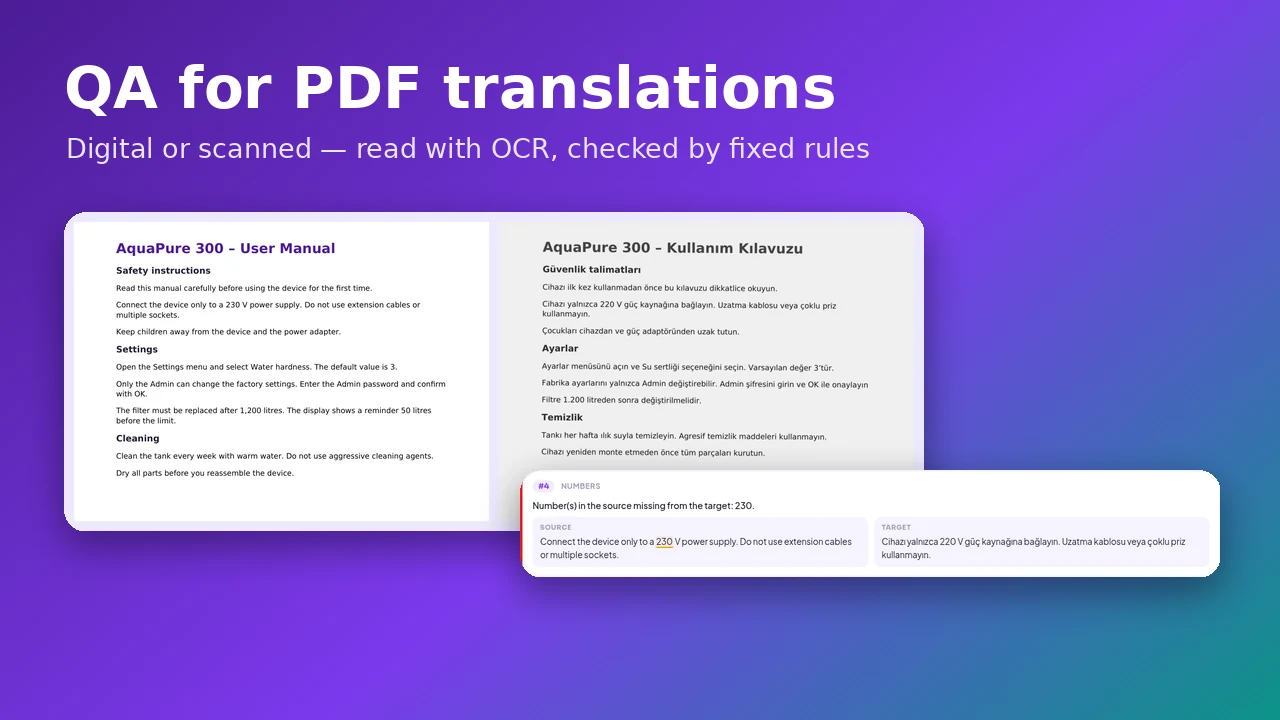
Final translations often arrive as PDF: a printed brochure, a signed contract, a scanned certificate. The Linigu QA Checker now compares a PDF translation with its original — digital or scanned, read with OCR — and finds wrong numbers, forbidden …
Read article →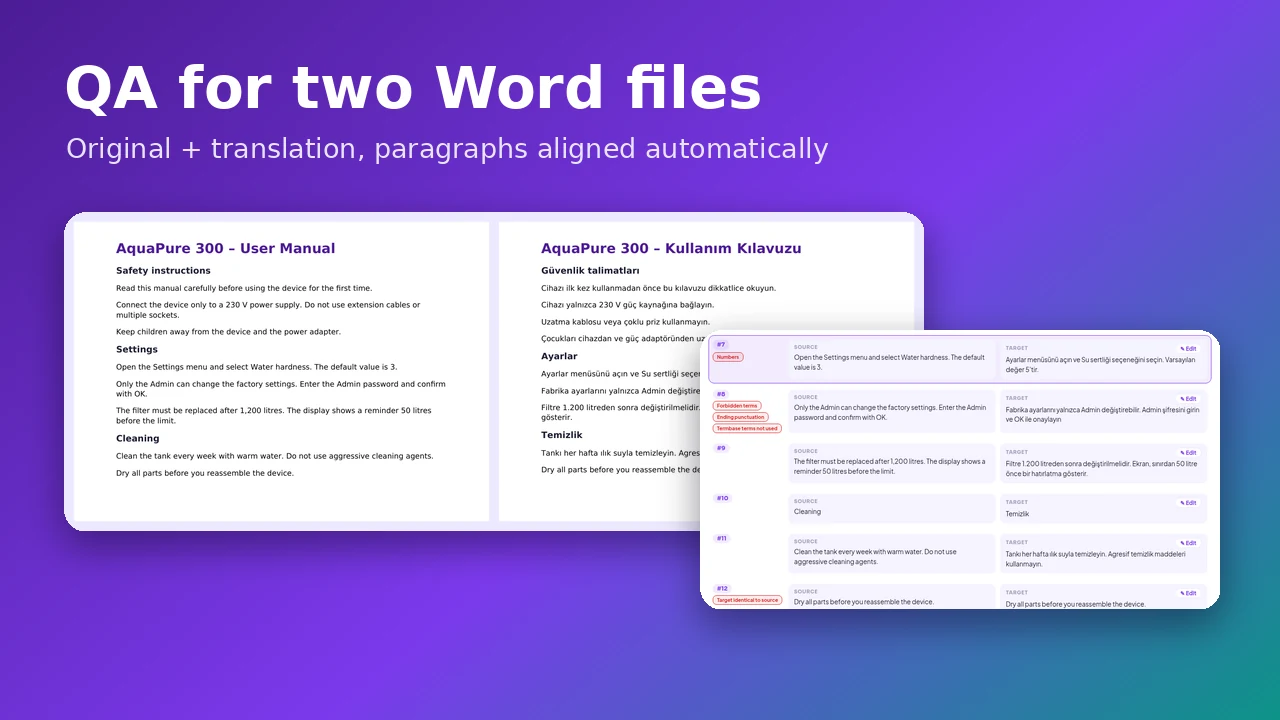
A translation delivered as a plain Word document is hard to check: you have to compare two files paragraph by paragraph. The Linigu QA Checker now does it …
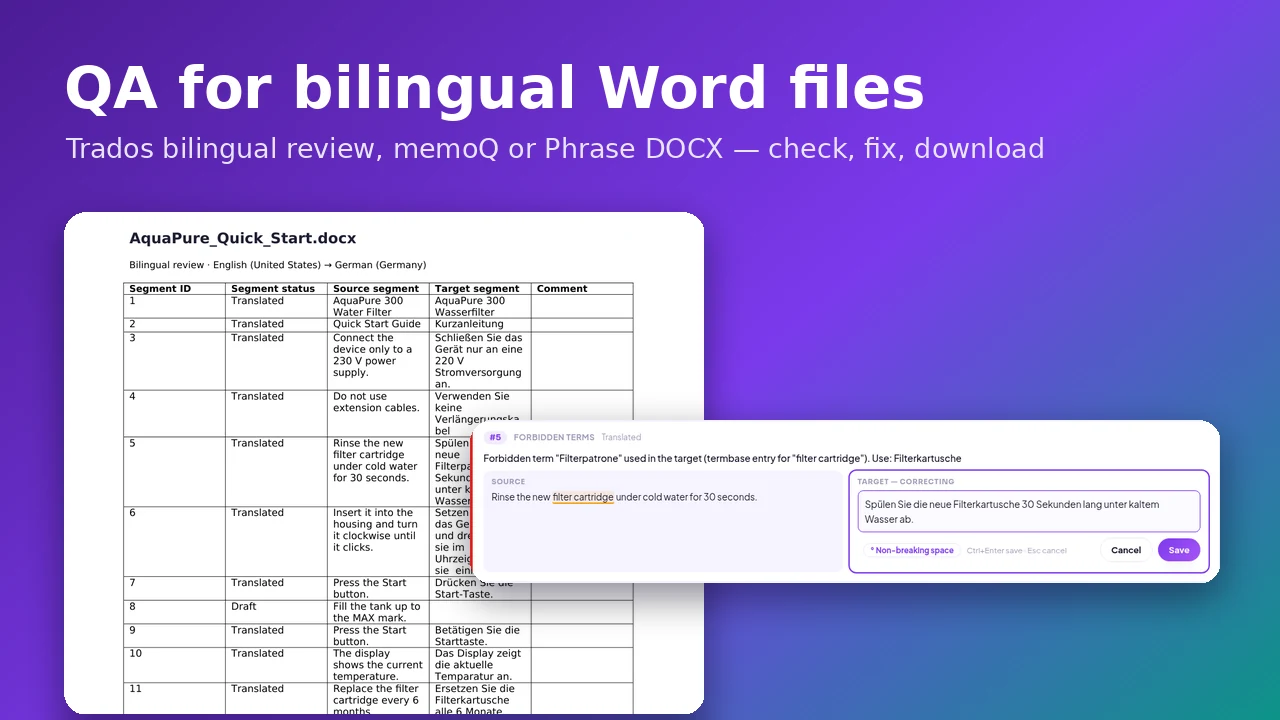
Reviewers often get a bilingual Word table instead of an SDLXLIFF. The Linigu QA Checker now reads bilingual DOCX files directly — Trados “Export for bilingual review”, memoQ, …
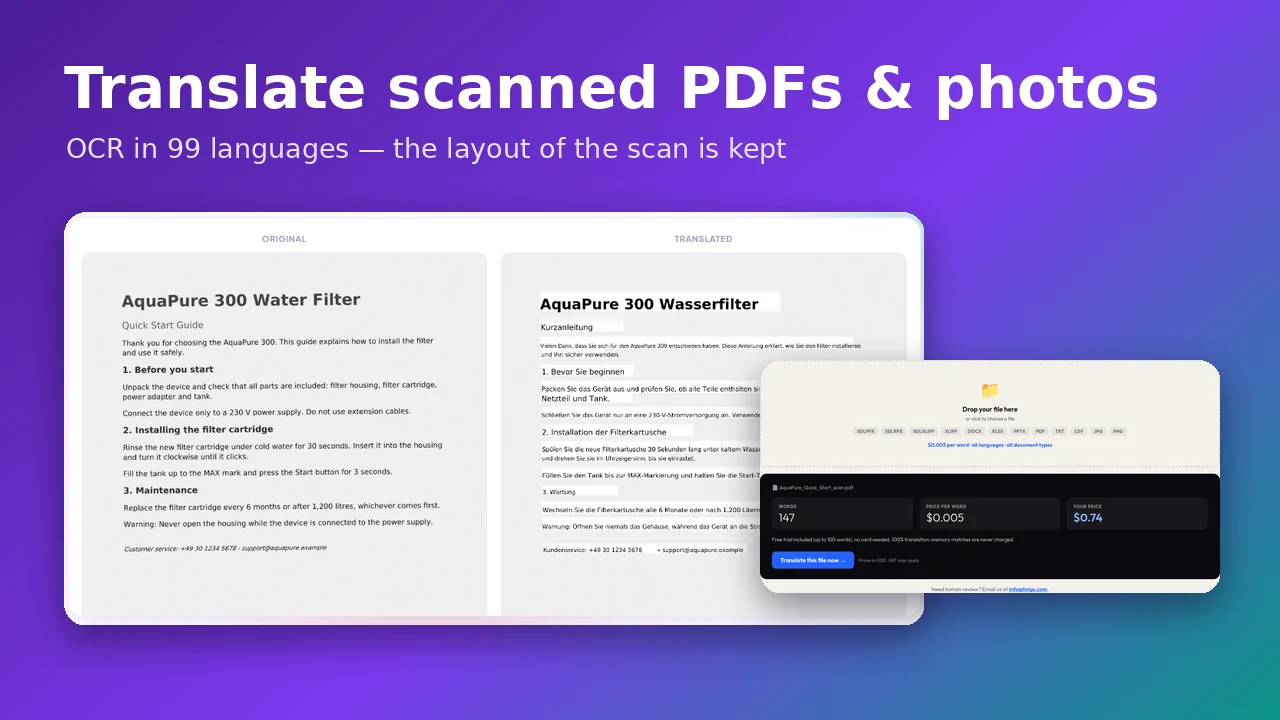
Scanned contracts, photographed letters, image-only PDFs: Linigu Translator now reads them with OCR in 99 languages, translates the text with AI and writes the translation back into the …
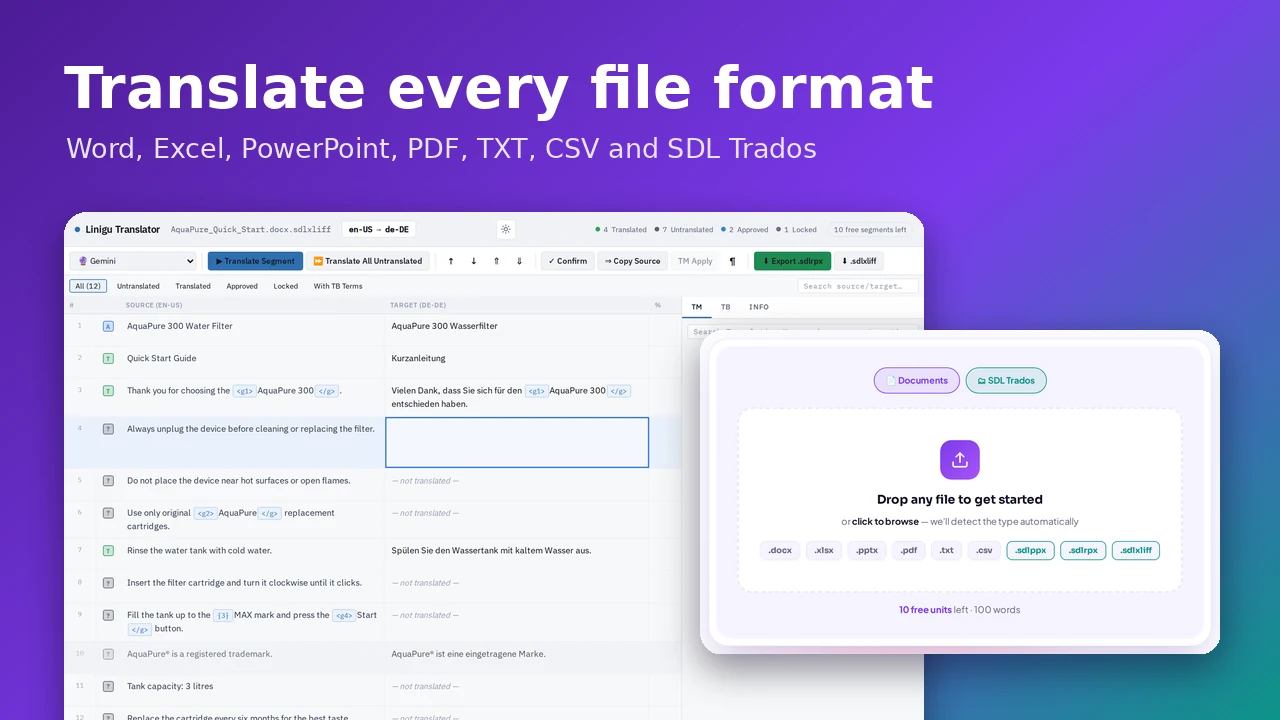
A practical, step-by-step guide to translating DOCX, XLSX, PPTX, PDF, TXT, CSV, SDLXLIFF, SDLPPX and SDLRPX files with Linigu Translator — what gets translated, what stays untouched, and …
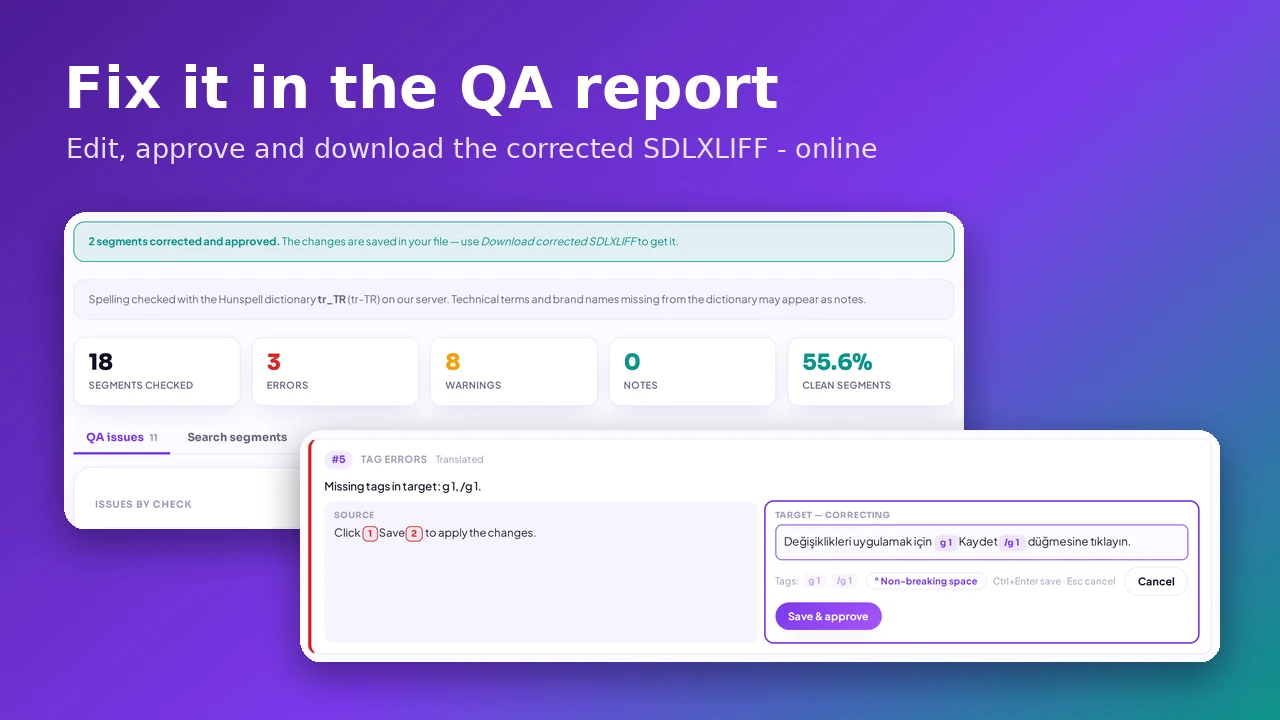
Most translation QA tools only tell you what is wrong. The Linigu QA Checker now lets you correct the target text right in the QA report, approves the …
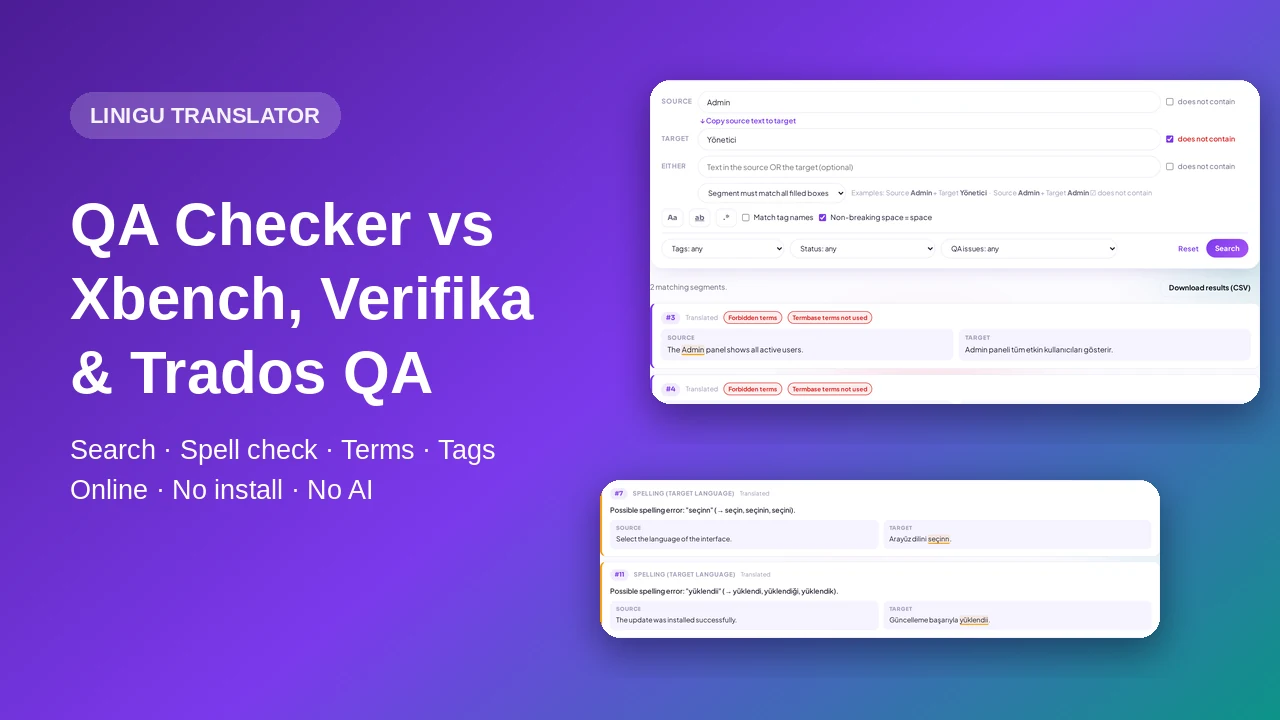
An honest comparison of translation QA tools: Xbench, Verifika, the Trados Studio QA Checker and the online Linigu QA Checker — now with advanced source/target search, spell check …
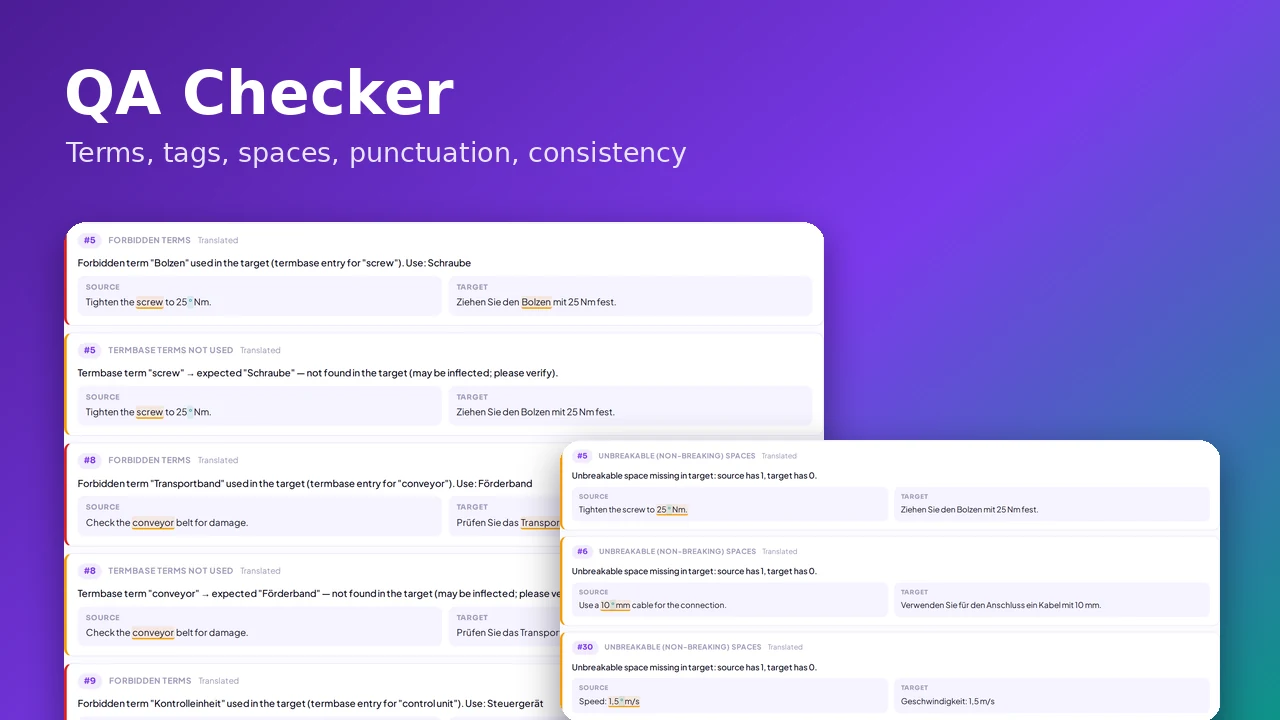
Wrong ending punctuation, missing tags, forbidden terms, inconsistent translations, lost non-breaking spaces — the ten errors a rule-based QA check finds in SDLXLIFF files, with screenshots and examples.
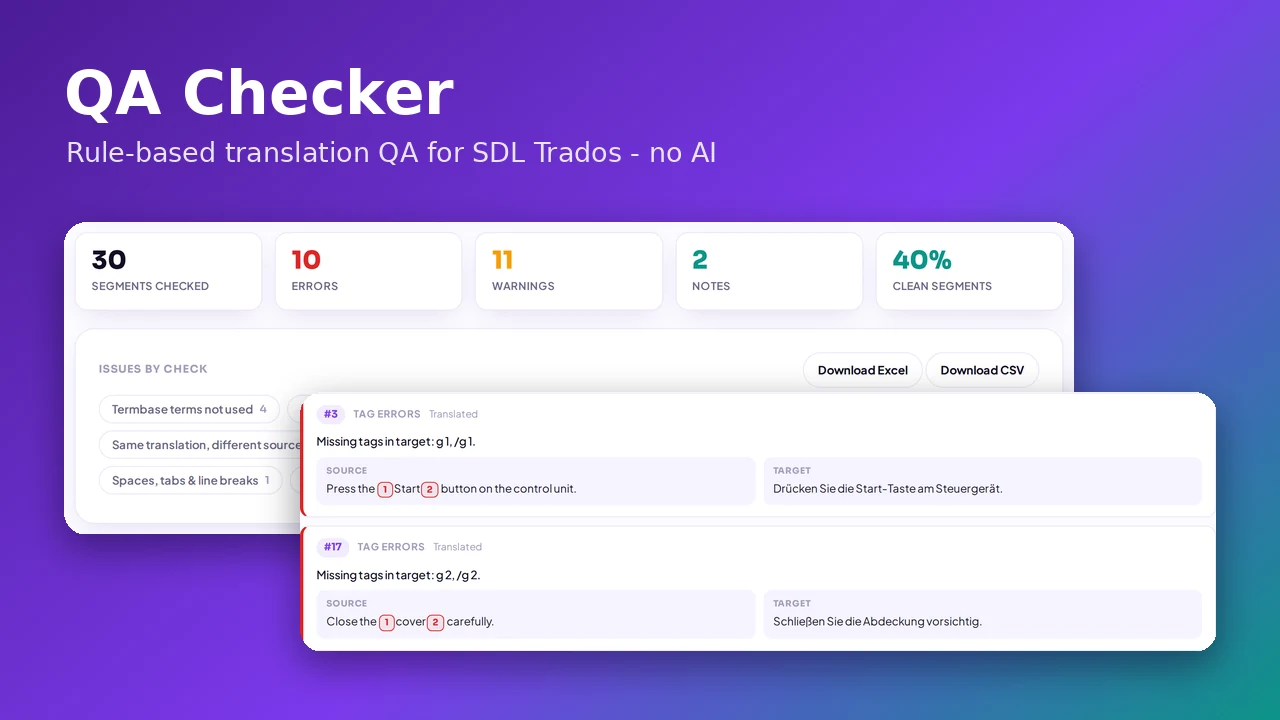
Deliver cleaner translations. Upload a return package or SDLXLIFF files with your TM and termbase and get a rule-based QA report in seconds — punctuation, tags, terms, consistency …
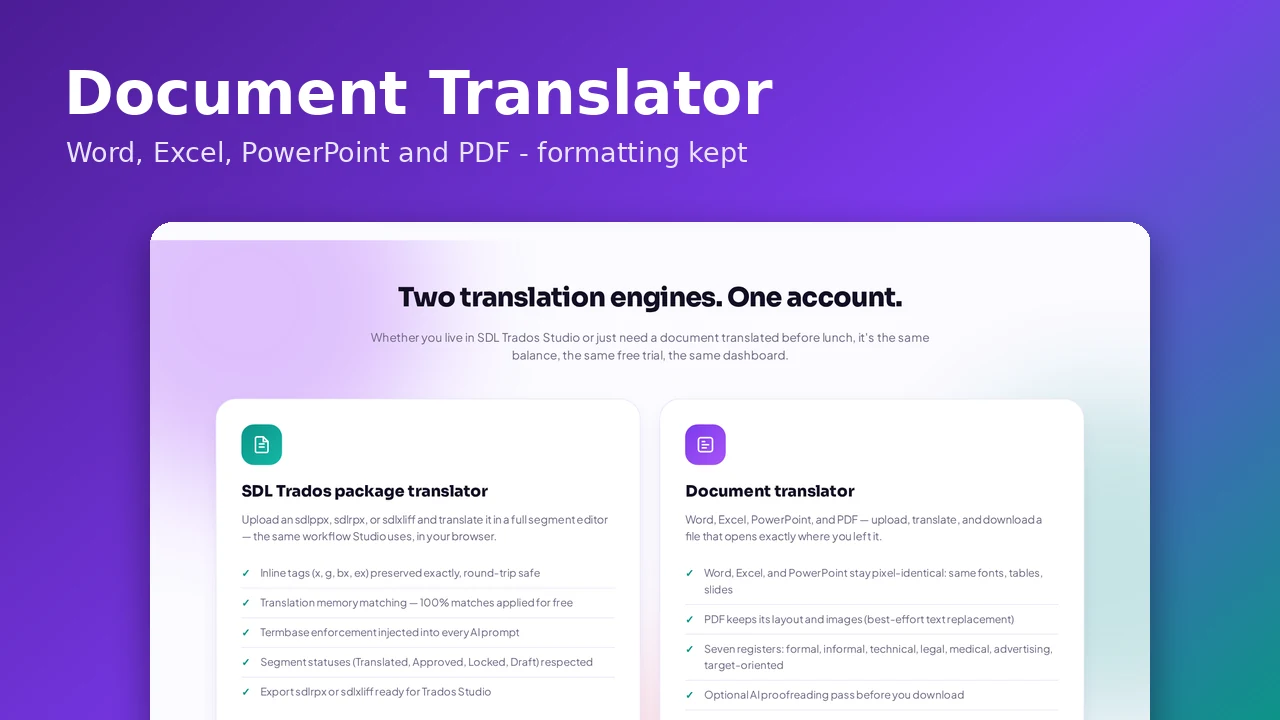
Machine translation is fast, but pasting text into a translator tool destroys your layout. Here's how to translate DOCX, XLSX, PPTX, and PDF files online with AI while …
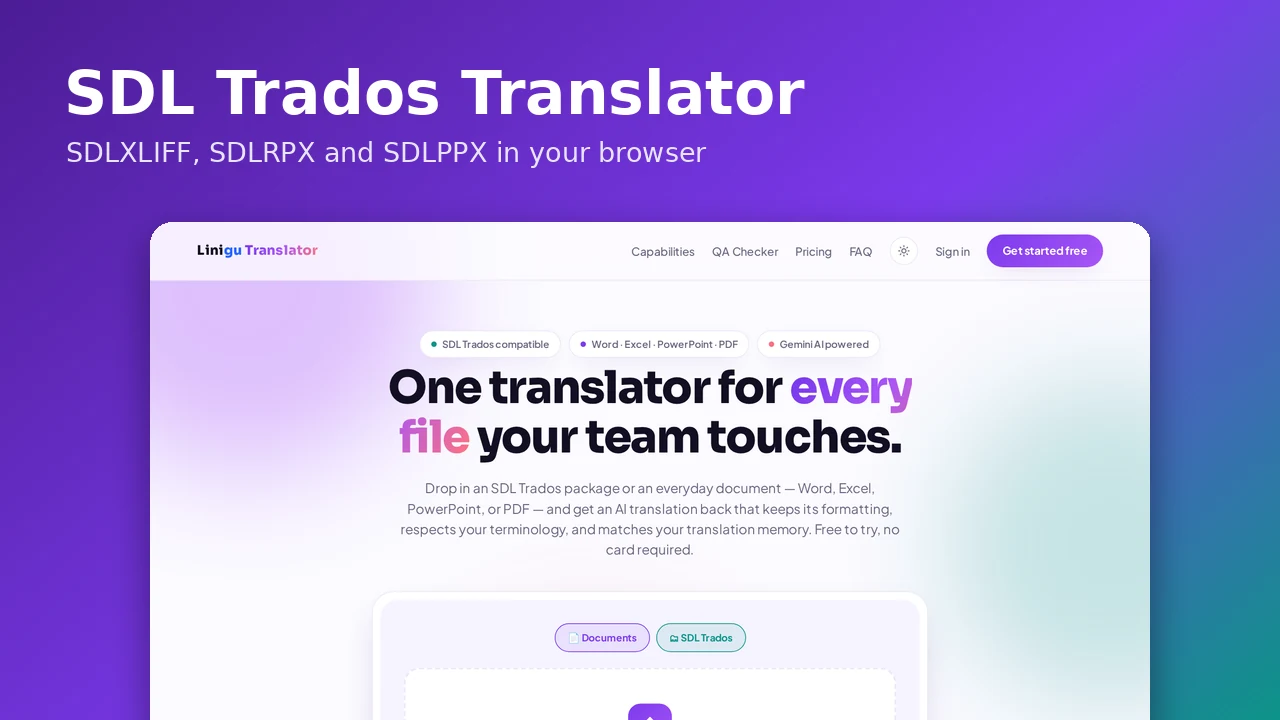
Received an SDL Trados package but don't have a Studio license? Here's how to open, translate, and return SDLXLIFF and SDLPPX files online with AI — while keeping …
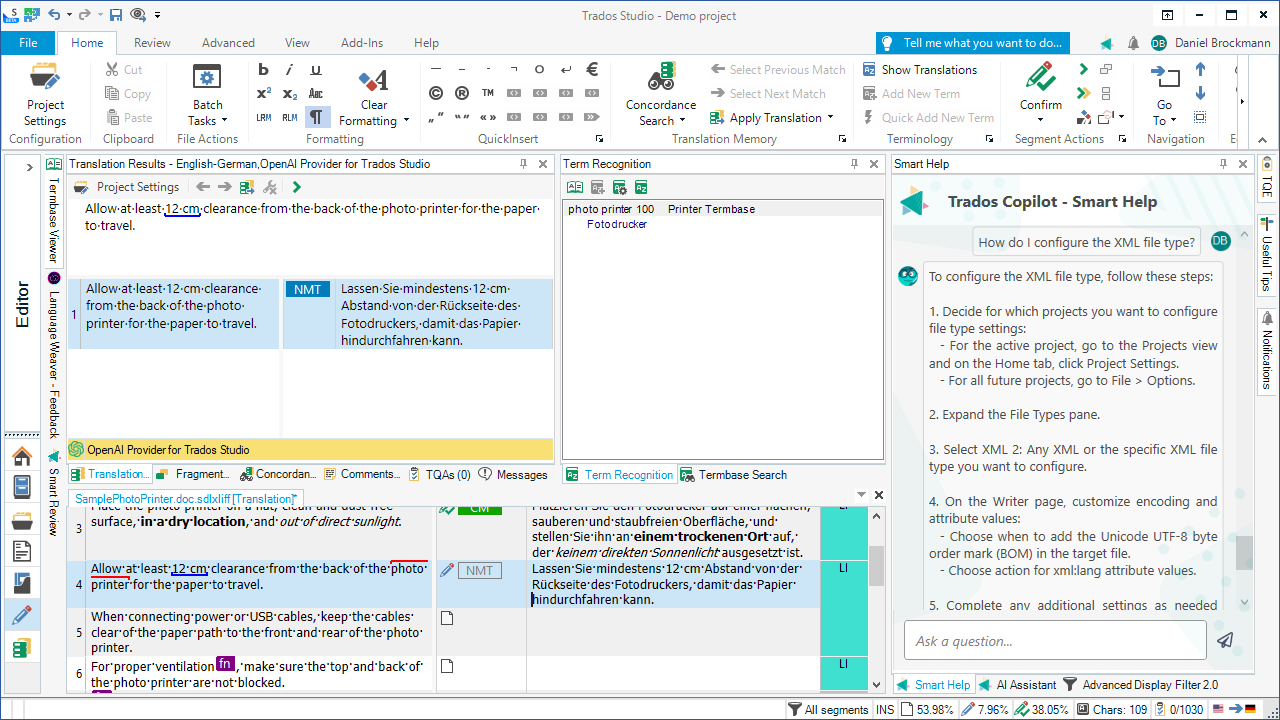
Learn what SDL Trados Studio is and how it works. This beginner’s guide explains translation memories, terminology management, and CAT tool workflows, and shows how SDL Trados files …