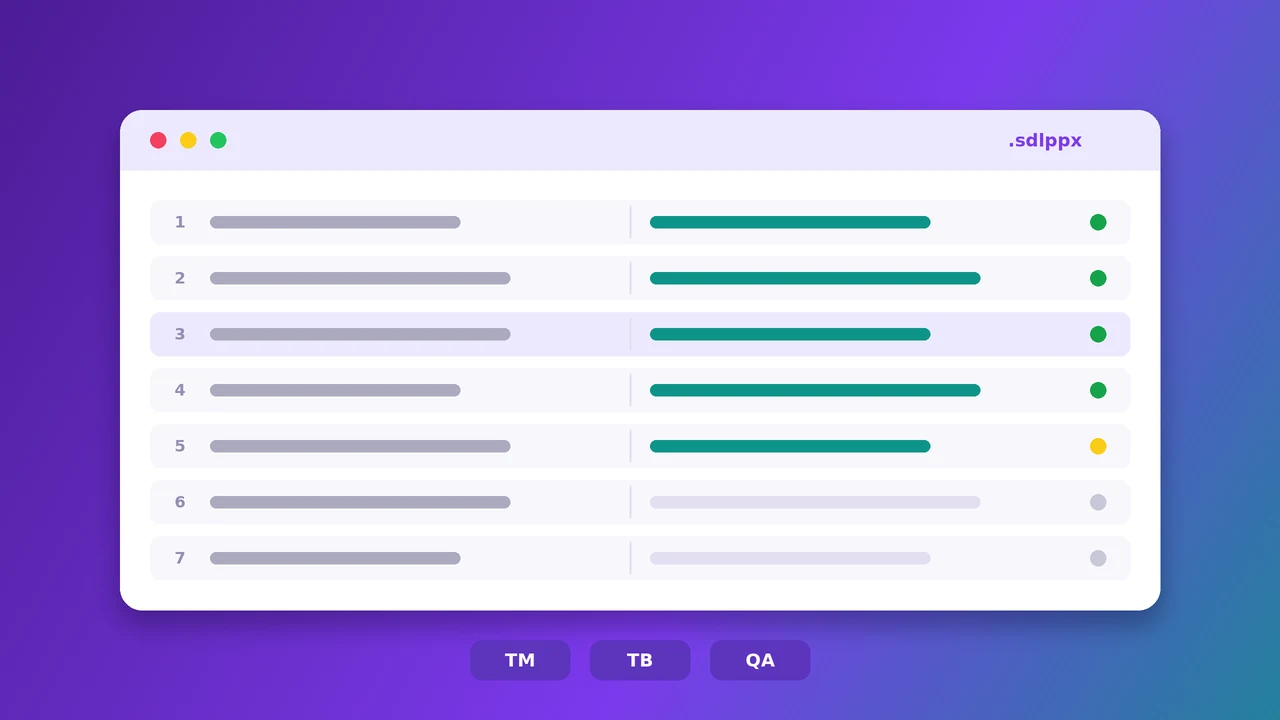
If you work with translation agencies, sooner or later someone sends you an SDL Trados package — an .sdlppx file bundling the source document, translation memories, and termbases — and expects an .sdlrpx return package back. That's simple enough if you own an SDL Trados Studio license. It's a much bigger problem if you don't, or if you're on a deadline and Studio is slow to open a huge package.
This is exactly the gap an online SDL Trados translator is built to close: open the package in a browser, translate it with AI while respecting the translation memory and terminology that came with it, and export a return package Studio will accept without complaint.
In this article, we'll cover:
What's actually inside an SDLXLIFF and SDLPPX file
Why translating them outside Studio has traditionally been risky
How to translate an SDL Trados package online with AI, step by step
How translation memory and termbase matching work in the browser
Best practices so your return package opens cleanly in Studio
What Is an SDLXLIFF File, Exactly?
SDLXLIFF is the bilingual file format SDL Trados Studio uses internally — an XML file based on the XLIFF standard, holding source segments, target segments, formatting tags, and metadata like match percentages and confirmation status side by side. An SDLPPX package wraps one or more SDLXLIFF files together with the project's translation memories (.sdltm) and termbases (.sdltb), so the translator receives everything needed to work consistently with the rest of the project.
Once translation is done, Studio exports an SDLRPX return package containing the updated SDLXLIFF files, which the project manager imports back to finalize the deliverable.
Why Translating an SDLPPX Without Studio Is Hard
SDLXLIFF isn't plain text you can open in Word. Every segment can carry inline tags for formatting, placeholders, and locked or repeated content, and getting any of that wrong produces a file Studio will refuse to open, or worse, one that opens but is silently corrupted.
Fragile inline tags
Bold, italic, and placeholder tags inside a segment have to end up in exactly the right position after translation, or the final formatted document breaks.
Translation memory and termbase lock-in
The whole point of receiving the TM and termbase with the package is consistency — a translator working from plain text loses every 100% match and every mandated term the client already approved.
No Studio license, no easy fallback
A Studio license is expensive, and installing it just to handle one urgent package isn't realistic for many freelancers or small agencies.
How to Translate SDL Trados Packages Online with AI
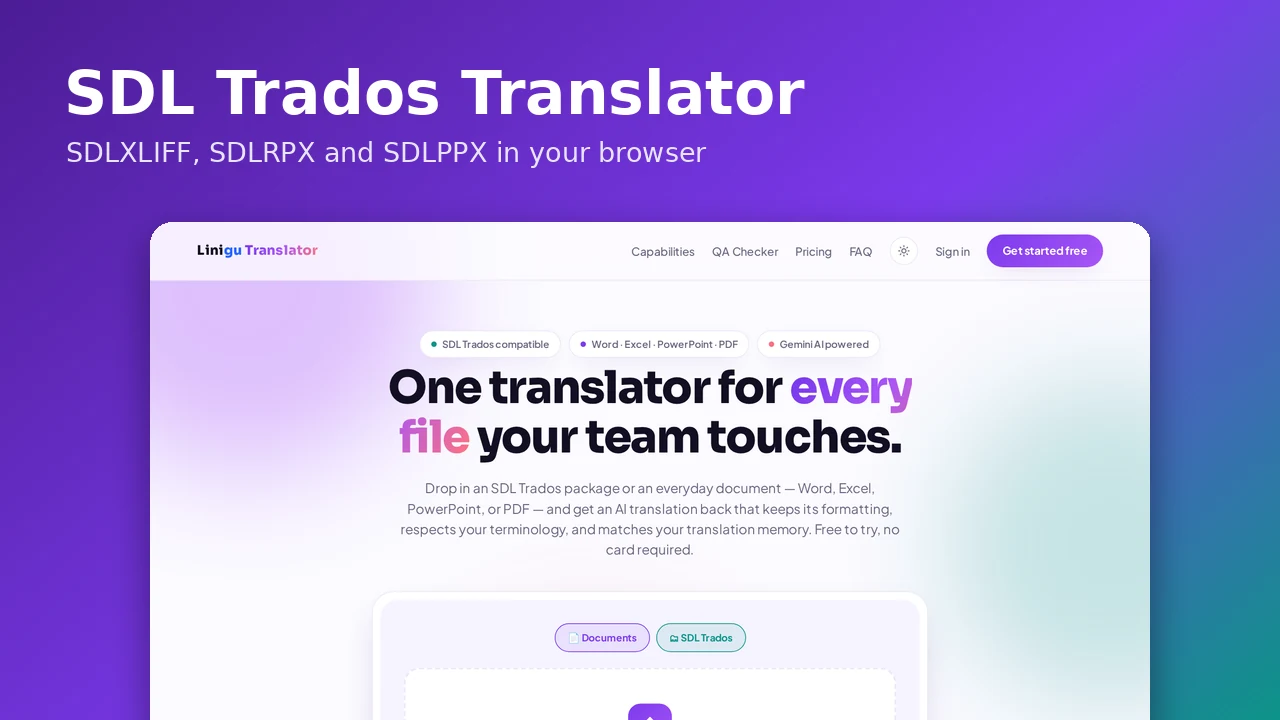
The SDL Trados translator on translator.linigu.com is built to read an SDLPPX or a bare SDLXLIFF directly in your browser, translate it with AI, and hand back a package Studio can open normally.
1. Upload your package
Drop in your .sdlppx, .sdlrpx, or .sdlxliff file. The tool parses the embedded translation memories and termbases automatically — no separate import step.
2. Translate with AI, respecting your TM and terminology
Untranslated segments are sent to AI for translation, with any matching translation memory entries and mandatory or forbidden terminology from your termbase applied automatically. Locked and 100% pre-approved segments are left untouched, exactly as Studio would treat them.
3. Review segment by segment
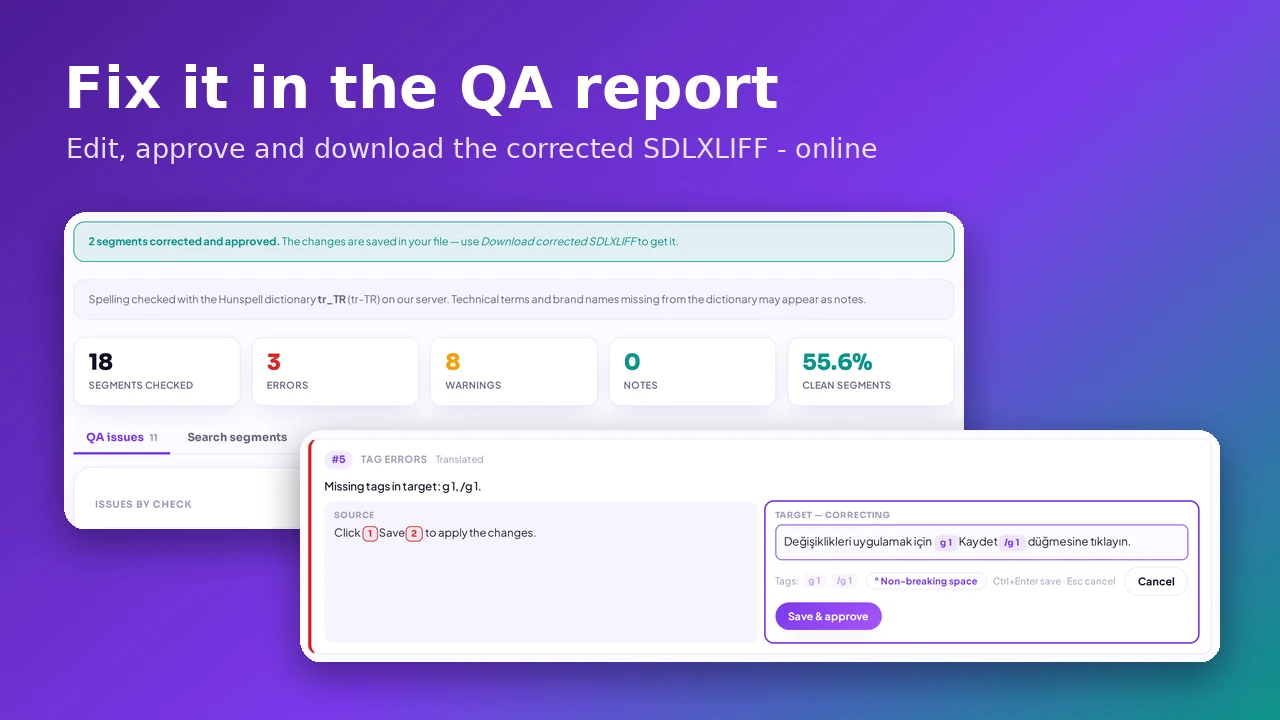
The editor shows source and target side by side, complete with a searchable translation memory concordance and termbase panel, so you can review, adjust, or manually confirm any segment before export.
4. Export a Studio-ready return package
Download an .sdlrpx return package with every inline tag preserved in its correct position, ready to hand back to the project manager exactly as if it had come out of Studio itself.
Best Practices for AI-Assisted Trados Translation
Keep the original termbase and TM in the package
Don't strip them out before uploading — the more complete the terminology and memory you provide, the more consistent the AI output will be.
Review segments with inline tags carefully
Segments containing formatting tags or cross-references deserve a second look before you confirm them, even with automatic tag protection in place.
Use the concordance search for tricky terms
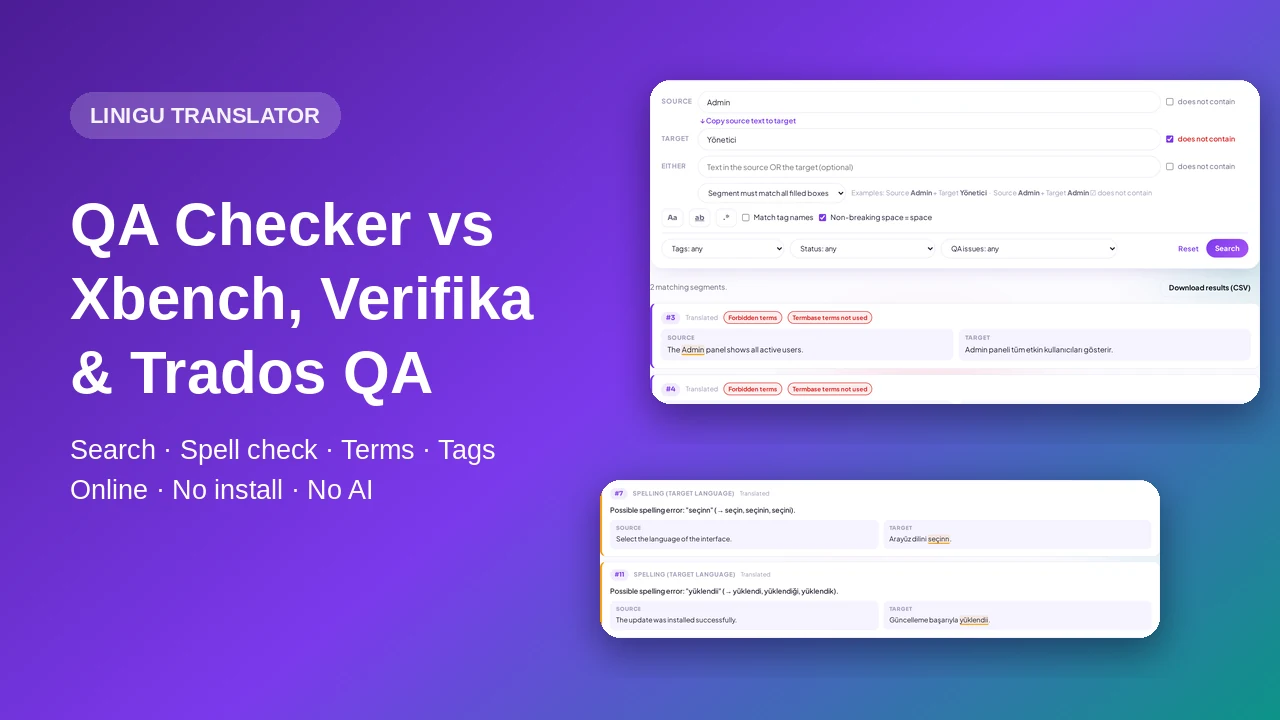
If a phrase looks unusual, search the translation memory directly instead of guessing — there's a good chance it's already been translated correctly before.
Conclusion
You don't need an SDL Trados Studio license sitting idle for the occasional package that lands in your inbox. With an online SDL Trados translator, you can open an SDLPPX package, translate it with AI while keeping every translation memory match and termbase rule intact, and export a return package that behaves exactly like one produced in Studio — all from a browser tab.