Trados Studio (formerly SDL Trados, now by RWS) is still what most agencies use, and its packages (.sdlppx) and bilingual files (.sdlxliff) are everywhere. But many translators and companies look for an alternative: Studio runs only on Windows, the licence is a real cost for occasional work, and sometimes you only need to handle one package from one client.
This comparison covers six alternatives, from full desktop tools to browser-based editors. We describe each tool by what its maker states officially (checked in October 2026) and say clearly where you should check details for your own files.
What to look for in a Trados alternative
- Trados file compatibility: can it open .sdlxliff files and .sdlppx packages, and can you send back something the agency can import?
- Translation memory and terminology: are the TM and termbase that come with the package used?
- Platform: Windows only, Mac and Linux, or any browser?
- Cost model: licence, subscription, free, or pay per use.
- Quality assurance: checks for numbers, tags, terminology and consistency before delivery.
The tools at a glance
| Tool | Platform | Cost model | Trados files | Best for |
|---|---|---|---|---|
| Trados Studio (reference) | Windows desktop | Paid licence or subscription; trial available | Native | Agencies and translators who work with Trados every day |
| memoQ translator pro | Windows desktop | Paid licence; 14-day trial | SDLXLIFF listed as supported | Professional translators who want a full desktop CAT tool |
| Phrase TMS | Cloud, web editor | Paid plans incl. a Freelancer plan; 14-day trial, no free plan | SDLXLIFF in its file type list | Companies and agencies managing many projects and people |
| Smartcat | Cloud platform | Annual plans with an included word allowance; 15-day trial | Check for your files | Businesses localising content continuously |
| Matecat | Browser | Free, open source | XLIFF-based; check for .sdlxliff | Free online translation of common file types |
| OmegaT | Desktop: Windows, macOS, Linux | Free, open source (GPL) | Exchanges TMX and XLIFF; Trados packages not native | Translators who want a free tool on any operating system |
| Linigu Translator | Browser | Editing free; AI $0.005 per word | Opens .sdlppx, .sdlrpx, .sdlxliff; exports .sdlrpx | Occasional Trados packages without a Studio licence |
Sources: product and pricing pages of RWS/Trados, memoQ, Phrase, Smartcat and OmegaT, and the Matecat project documentation (October 2026). Plans and supported formats change; always test with a real package before accepting a job.
The alternatives in detail
memoQ translator pro
The closest thing to Trados in feature depth: translation memories, termbases, QA, project management for freelancers. memoQ states that it runs on Windows and supports formats such as Word, XLIFF and SDLXLIFF, which makes it a popular switch for Trados users. It is still a Windows desktop program with a paid licence, so it solves the “I don’t like Trados” problem better than the “I don’t want a licence” problem.
Phrase TMS
Phrase (formerly Memsource) is a cloud translation management system with a web-based CAT editor. It is built for organisations: workflows, vendors, automation, integrations. There is no free plan, but a 14-day trial and a Freelancer plan. Its file type list includes SDLXLIFF. A good fit when a company wants one platform for all translation work.
Smartcat
Smartcat is a cloud platform that combines AI translation, translation memory and human linguists. Its plans are billed annually and include an allowance of words (“Smartwords”); translation memory matches are free on every plan, and there is a 15-day trial. It targets companies with continuous localisation needs rather than individual translators handling a single Trados package.
Matecat
Matecat is a free, open-source CAT tool that runs in the browser, developed by the Italian company Translated. It handles many common file formats and is a solid choice for translating documents online at no cost. If your client sends Trados files, test whether your specific .sdlxliff files open and export cleanly before you rely on it.
OmegaT
OmegaT is the best-known free CAT tool: open source under the GNU GPL, written in Java, and available for Windows, macOS and Linux. It works with translation memories in TMX and exchanges data via XLIFF. It is powerful but takes some setup, and Trados packages are not its native format, so agency workflows usually need extra steps.
Linigu Translator
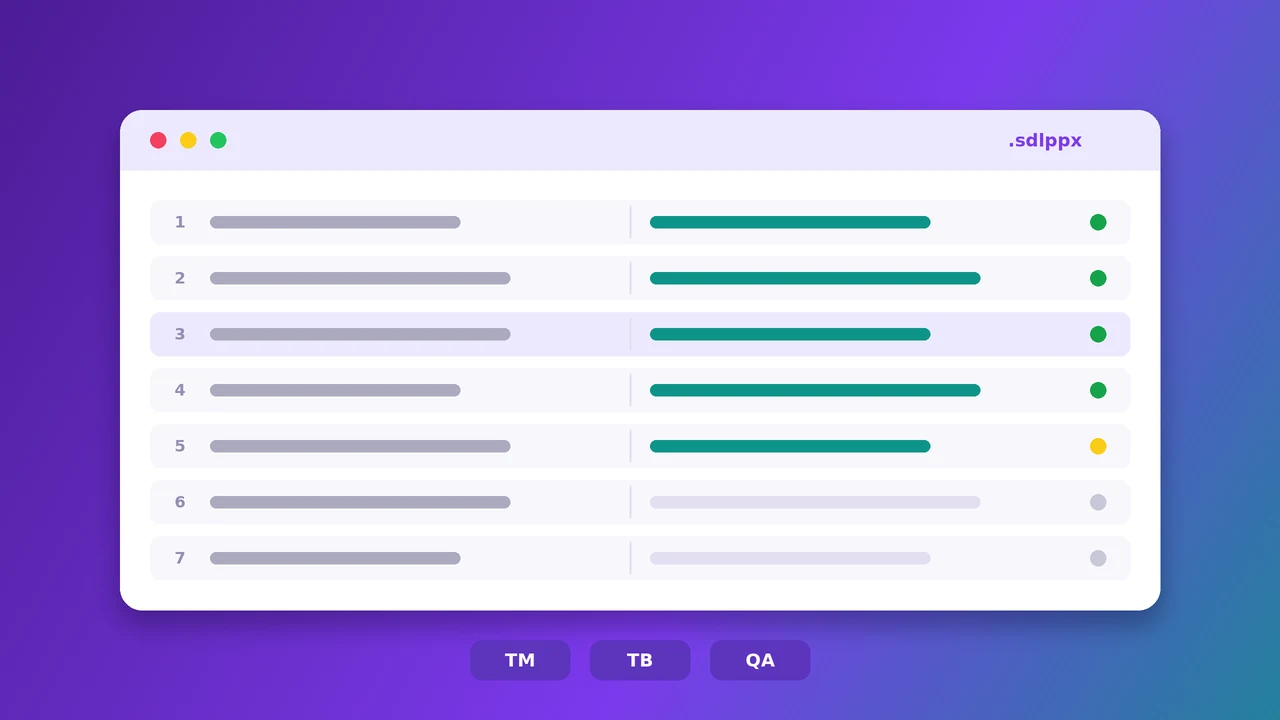
Linigu takes a narrower approach: it is built for the moment someone sends you a Trados package and you do not have, or do not want to start, Studio. You upload the .sdlppx, .sdlrpx or .sdlxliff in the browser, the translation memory and termbase inside the package are applied, and you translate yourself, with AI, or both. Locked segments stay locked. At the end you download an .sdlrpx return package that Studio imports normally.
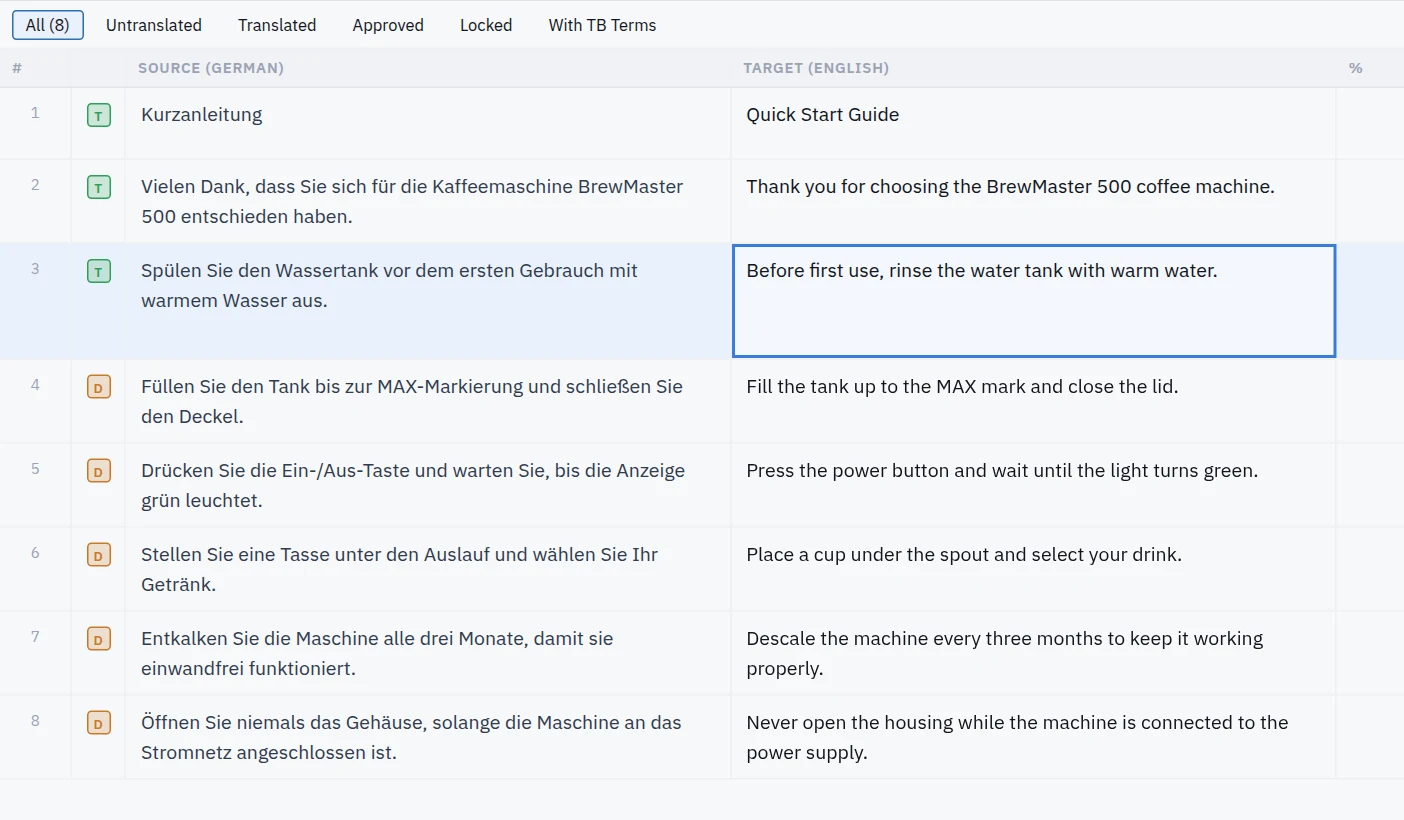
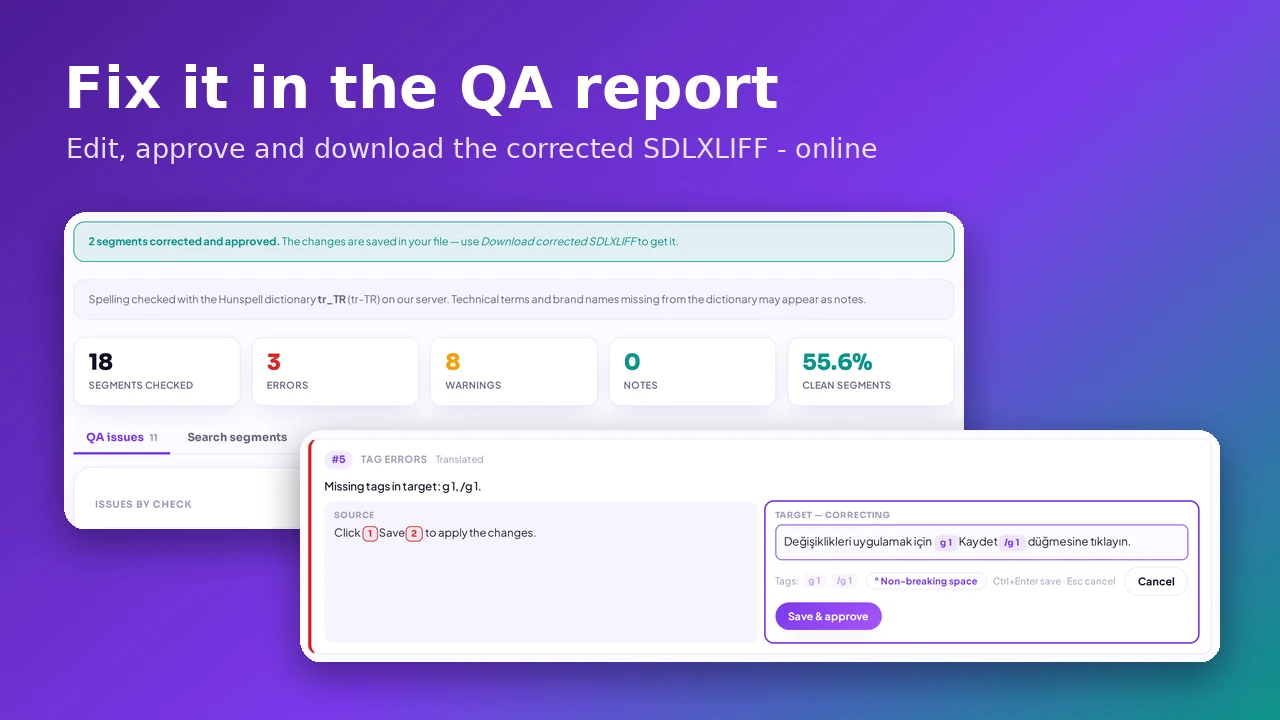
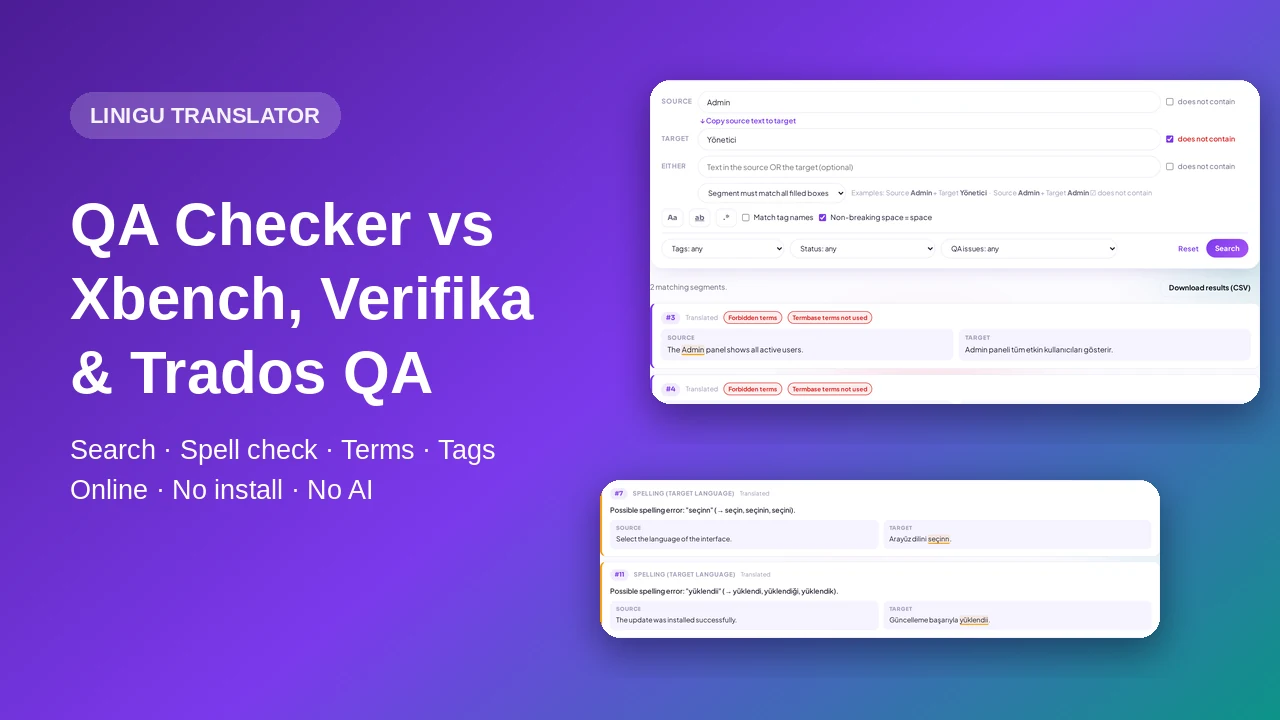
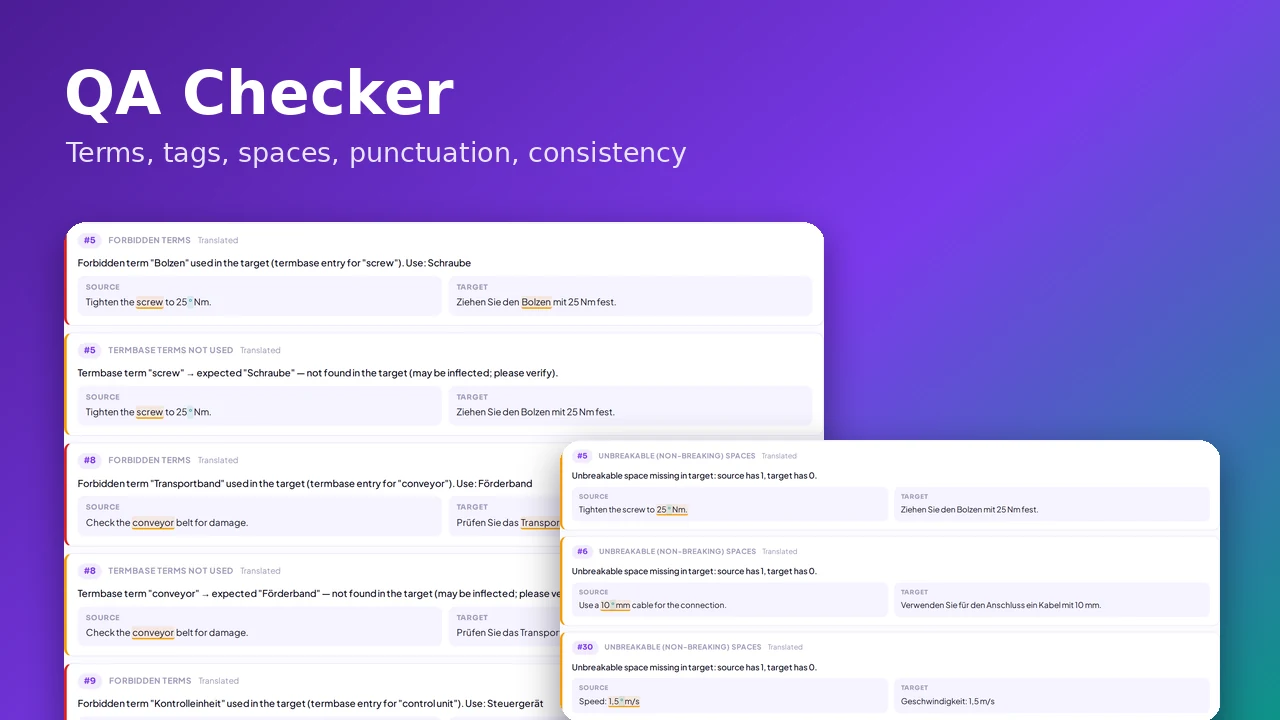
Editing is free; AI translation costs $0.005 per word, and you see the price before anything is charged. Before delivery, the free QA Checker runs Trados-style checks on numbers, tags, terminology and consistency. What it is not: a full project management system or a replacement for Studio’s plugin ecosystem.
When Trados is still the right choice
- Your main clients require Studio and send complex projects every week.
- You rely on Studio plugins, specific file type settings or offline work.
- You manage large projects with many TMs, termbases and reviewers in Trados.
Which alternative fits you?
- You want a full desktop CAT tool, just not Trados: memoQ.
- Your company needs one platform for all translation work: Phrase or Smartcat.
- You need something free: OmegaT on your computer, or Matecat in the browser.
- You receive Trados packages now and then and need to return them correctly: Linigu, in the browser, without a licence. Step by step: how to translate SDL Trados files online.
Have a Trados package and a deadline? Open it on translator.linigu.com. For large projects or a human translation, write to info@linigu.com.
Frequently asked questions
Is there a free alternative to SDL Trados?
Yes. OmegaT (desktop) and Matecat (browser) are free and open source. On Linigu, translating and editing Trados files by hand is free; only the optional AI translation is paid.
Can I open an .sdlppx package without Trados?
Yes. Linigu opens .sdlppx packages in the browser, uses the TM and termbase inside them, and creates an .sdlrpx return package. Some desktop tools can open the .sdlxliff files inside a package.
Will the agency notice I did not use Studio?
They will see a normal return package. What matters is that segments, tags and confirmation status are correct, so run a QA check on the return package before you deliver.
Which CAT tools work on a Mac?
Browser-based tools (Phrase, Smartcat, Matecat, Linigu) work on any computer. OmegaT runs natively on macOS. Trados Studio and memoQ translator pro are Windows programs.