Ask three translation agencies for a quote and you may get three very different answers: one charges per word, one per page, one per hour, and each adds its own minimum fee. If you only need to know “what will this document cost me?”, that is frustrating.
This guide explains how translation is priced in 2026, which factors make a job cheaper or more expensive, and how you can get an exact word count and price for your own file before you pay anything.
The standard: price per source word
In the US, the UK and most international markets, translation is priced per word of the source text, the document you start with. Counting the source makes the price known before the work begins, because the length of the translation is not known yet. Pages and hours are mainly used for special cases: certified translations of short official documents are often priced per page, and editing or layout work per hour.
| Pricing unit | Where it is used | Good to know |
|---|---|---|
| Per source word | Most documents, websites, software, manuals | Transparent and comparable; the industry standard |
| Per page | Certified translations of certificates and records | A “page” is often defined as about 250 words |
| Per hour | Editing, proofreading, DTP/layout | Ask for an estimate of the total hours |
| Minimum fee | Very short texts | Covers project handling for tiny jobs |
What makes a translation more or less expensive?
- Language pair: common pairs such as English–Spanish usually cost less than rare combinations.
- Subject matter: legal, medical and engineering texts need specialist knowledge and terminology.
- File format: editable Word, Excel or PowerPoint files are cheapest to process. Scanned PDFs and photos first need text recognition (OCR).
- Repetitions: sentences that appear more than once, or that you already translated before, should not be paid twice. Translation memories make this possible.
- Deadline and review: rush jobs and an extra proofreading step add cost.
- Certification: official documents may need a certified translation with a signed statement (US) or a translator from a recognised body such as ITI or CIOL (UK).
Real examples at $0.005 per word
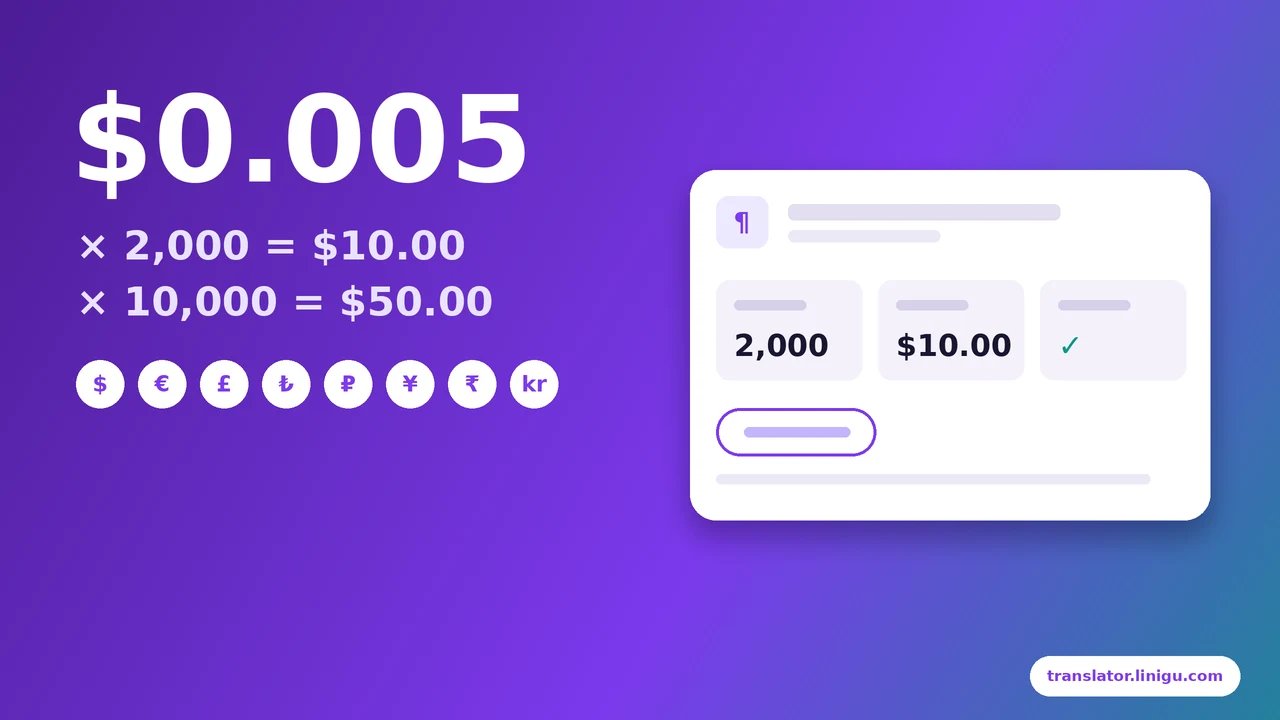
With Linigu Translator AI translation costs a flat $0.005 per source word, in every one of 118 languages and for every file type. 100% translation-memory matches are free, and the first 100 words are free with no card needed.
| Document | Words | Price |
|---|---|---|
| Cover letter or short email | 300 | $1.50 |
| Rental agreement | 2,000 | $10.00 |
| Product catalogue | 10,000 | $50.00 |
| Full user manual | 50,000 | $250.00 |
Your balance is topped up in $10, $25 or $50 steps; there is no subscription and unused balance does not expire.
Get the exact price of your document in seconds
You do not have to count words yourself. Drop your file on translator.linigu.com: it uploads with a progress bar, counts the words and shows the estimated price and whether your free words or balance cover it. Scanned pages are counted while they are read with OCR. Nothing is charged until you click Translate.
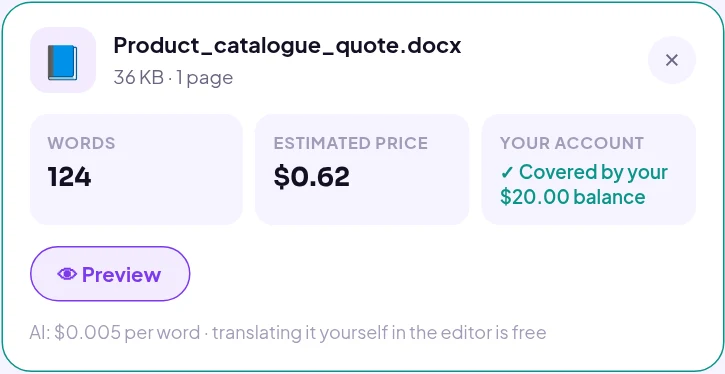
- Open Linigu Translator and drop a Word, Excel, PowerPoint, PDF, scan or SDL Trados file.
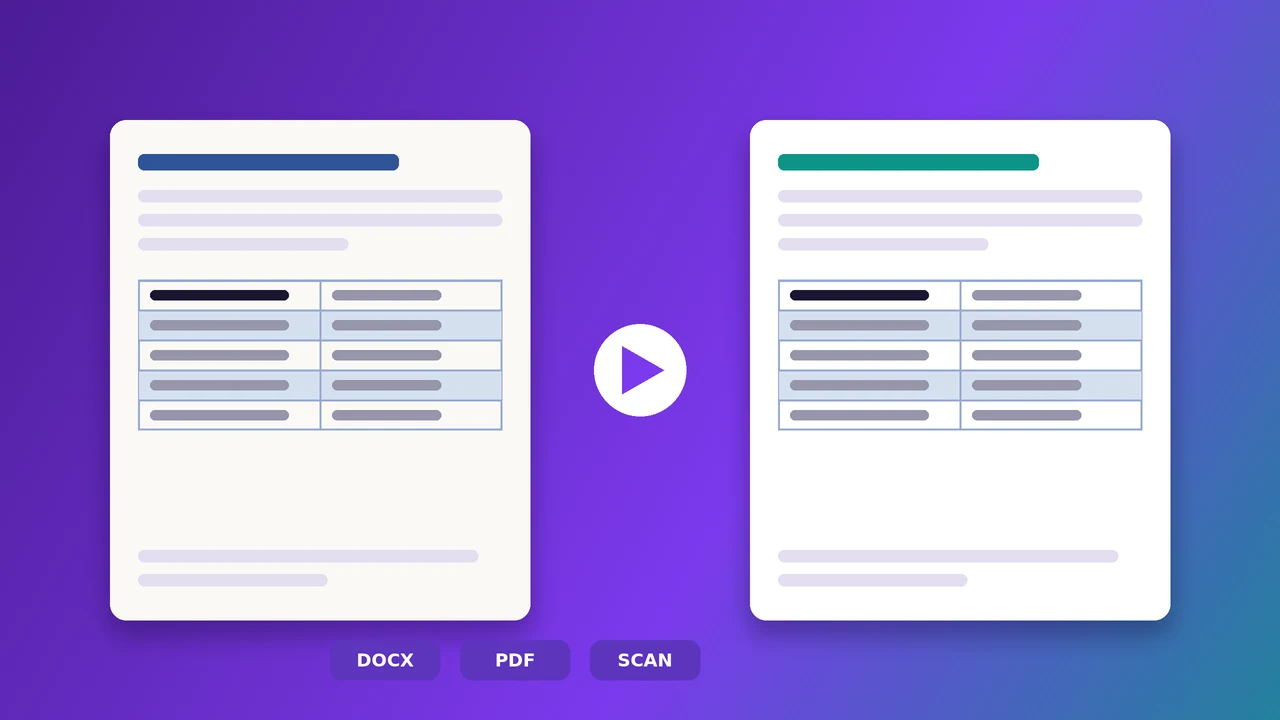
- Check the word count and estimated price on the file card. The preview shows the layout your translation will use.
- Choose the languages and click Translate, or translate the document yourself for free in the online editor.
Five ways to lower your translation costs
- Send editable files instead of scans or images whenever you can.
- Remove outdated sections and duplicate pages before you ask for a quote.
- Re-use earlier translations: upload them as a translation memory, and 100% matches cost nothing.
- Provide a glossary, so terms are right the first time and need no correction round.
- Let AI do the first draft and review it yourself or with a colleague. Learn how to read the result in our guide to translating every file format online.
Need a certified or human translation? AI is ideal for drafts, internal documents and large volumes. For official, legal or published texts, write to info@linigu.com and we will tell you what fits your document.
Frequently asked questions
Is translation priced on the source or the target text?
Almost always on the source text, because its length is known before the work starts. Linigu counts the words of the file you upload.
How are scanned PDFs and photos priced?
Exactly the same: the text is read with OCR and its words are counted while the preview loads. See how OCR translation works.
Why are repeated sentences free?
If a sentence already exists in your translation memory, it is reused instead of translated again. Linigu does not charge 100% matches.
Are there hidden fees?
No. The price is the word count times $0.005. There is no minimum fee, no subscription and no charge for the preview.