Most translation complaints are not about style. They are about things a client can point at: a price with a wrong digit, a sentence that is missing, a product name translated three different ways, a broken table. These errors are embarrassing because they are avoidable.
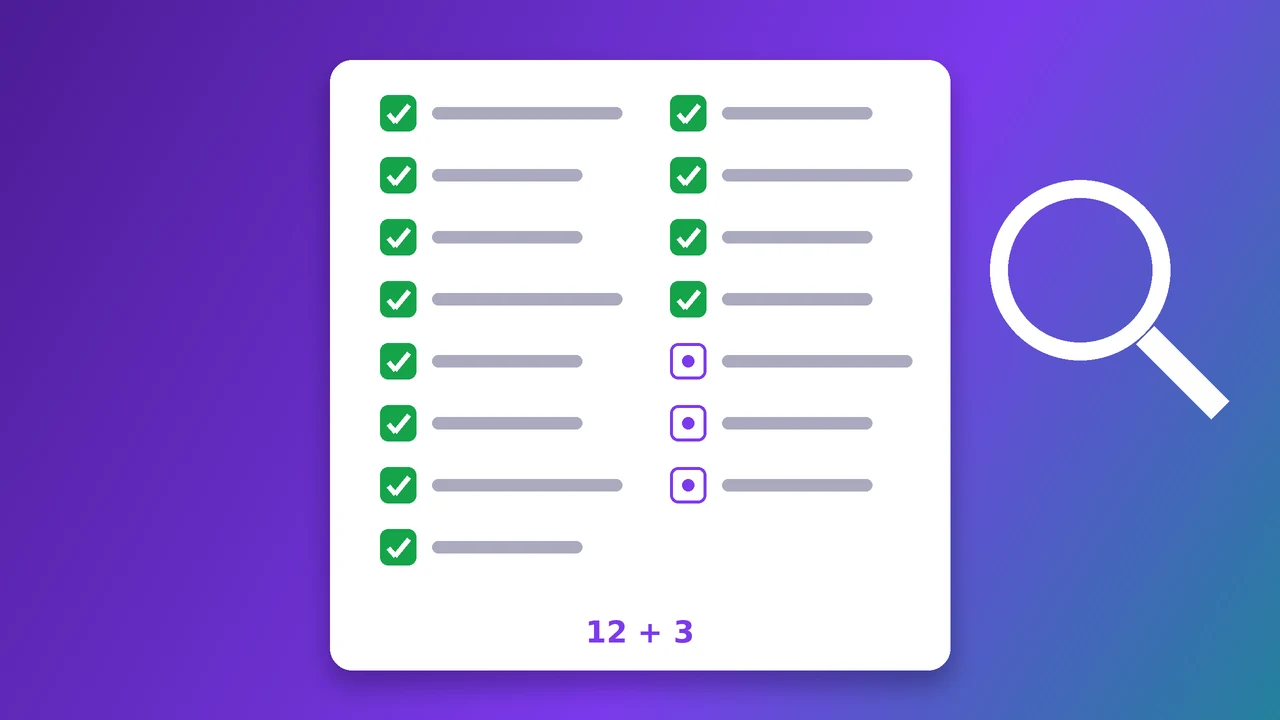
This checklist collects the 15 checks that clients care about most. It works for freelance translators, agencies and companies checking a delivery they received. Twelve of the checks are mechanical, so a rule-based tool such as the free QA Checker runs them in a couple of minutes. Three need a person.
Completeness
1. Nothing left untranslated
Empty target segments and segments where the target is just a copy of the source are the most common delivery error, especially after a rushed final hour. Codes and product names may legitimately stay the same; everything else should not. (automatic)
2. Nothing missing, nothing added
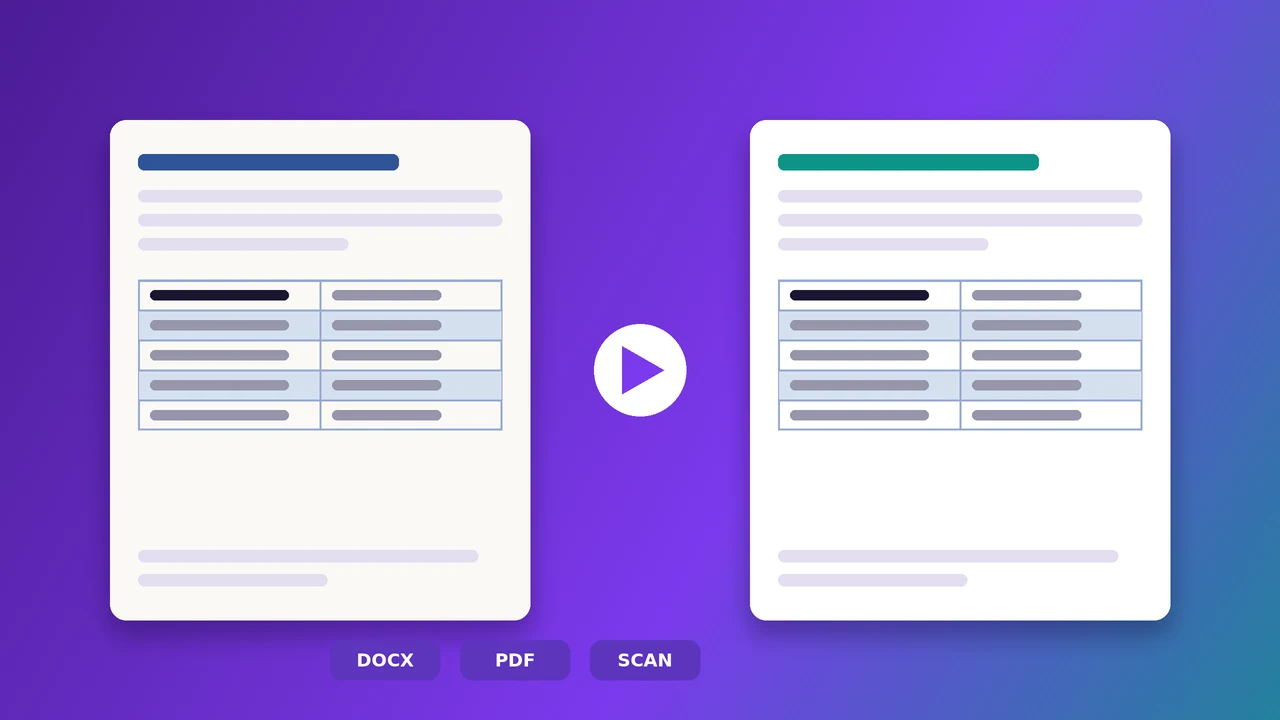
A translation that is much shorter or longer than its source often means a skipped clause or a duplicated sentence. When you compare two documents (a translated Word file or PDF against the original), missing sentences show up directly. (automatic)
Numbers and data
3. Every number matches
Prices, dimensions, voltages, dates, article numbers: a single wrong digit can be expensive. A good check compares numbers regardless of the decimal and thousands separator, so 1,450.5 and 1.450,5 count as the same value. (automatic)
4. Placeholders, URLs and e-mail addresses unchanged
Variables such as {0} or %s, web addresses and e-mail addresses must be exactly as in the source. A URL that changed from .com to .de or a translated placeholder breaks software and links. (automatic)
Terminology and consistency
5. Approved terms used, forbidden terms avoided
If the client has a glossary or termbase, its terms are not suggestions. The check flags forbidden terms and source terms whose approved translation does not appear. (automatic)
6. The same sentence is translated the same way
“Save file” translated once one way and once another confuses users of a manual or software. The check also catches the opposite: one translation used for two different source sentences. (automatic)
7. Consistent with the translation memory
When a source sentence exists in the client’s translation memory, the delivered translation should match the approved version unless there is a reason to change it. (automatic)
Form and formatting
8. Tags and formatting intact
Missing or extra tags break bold text, links or the whole file. In Trados files a tag error can make the return package impossible to open. (automatic)
9. Punctuation follows the source
A question that ends with a full stop changes the meaning. The check compares ending punctuation, leading bullets and dashes, and finds doubled punctuation or a space before a comma. (automatic)
10. Brackets and quotation marks are balanced
An opening bracket without its closing partner, or quotes that do not match, look careless in print. (automatic)
11. Spaces and invisible characters
Double spaces, a missing non-breaking space between a number and its unit, soft hyphens, zero-width characters and broken characters from encoding problems are invisible on screen but visible in the final layout. (automatic)
12. Spelling in the target language
A spelling check with a dictionary for the target language catches typos; names, codes and words that also appear in the source are ignored. (automatic)
The three checks that need a person
13. Meaning, tone and audience
No rule-based tool knows whether a sentence is correct in context, too literal, or the wrong tone for the reader. For anything that will be published, a second linguist should review the translation against the source; the international standard ISO 17100 makes this review a required step of the translation service.
14. Local conventions
The number check confirms that the value is right, not that it is written the way readers expect. A person should check: decimal and thousands separators (1,450.5 in the US and UK, 1.450,5 in Germany), date order (03/04/2026 is 4 March in the US and 3 April in the UK), currency symbols and their position, and units (inches or centimetres, Fahrenheit or Celsius).
15. The final file
Open the file exactly as the client will receive it: is the layout intact, do headings and tables look right, are there unexpected page breaks, is text inside images still in the source language, and are the file name and format what was ordered?
The checklist at a glance
| # | Check | How |
|---|---|---|
| 1 | Nothing left untranslated | Automatic |
| 2 | Nothing missing or added | Automatic |
| 3 | Numbers match | Automatic |
| 4 | Placeholders, URLs, e-mails | Automatic |
| 5 | Terminology (approved and forbidden terms) | Automatic |
| 6 | Consistency between segments | Automatic |
| 7 | Consistency with the translation memory | Automatic |
| 8 | Tags and formatting | Automatic |
| 9 | Punctuation | Automatic |
| 10 | Brackets and quotation marks | Automatic |
| 11 | Spaces and invisible characters | Automatic |
| 12 | Spelling | Automatic |
| 13 | Meaning, tone, audience | Manual |
| 14 | Local conventions (numbers, dates, currency) | Manual |
| 15 | The final file as delivered | Manual |
Running the automatic part in two minutes
- Open the QA Checker and upload the translation: Trados files (.sdlxliff, return packages), a bilingual Word file from Trados, memoQ or Phrase, a Word file and its original, or a translated PDF and its original, even a scan.
- Add the client’s termbase and translation memory if you have them.
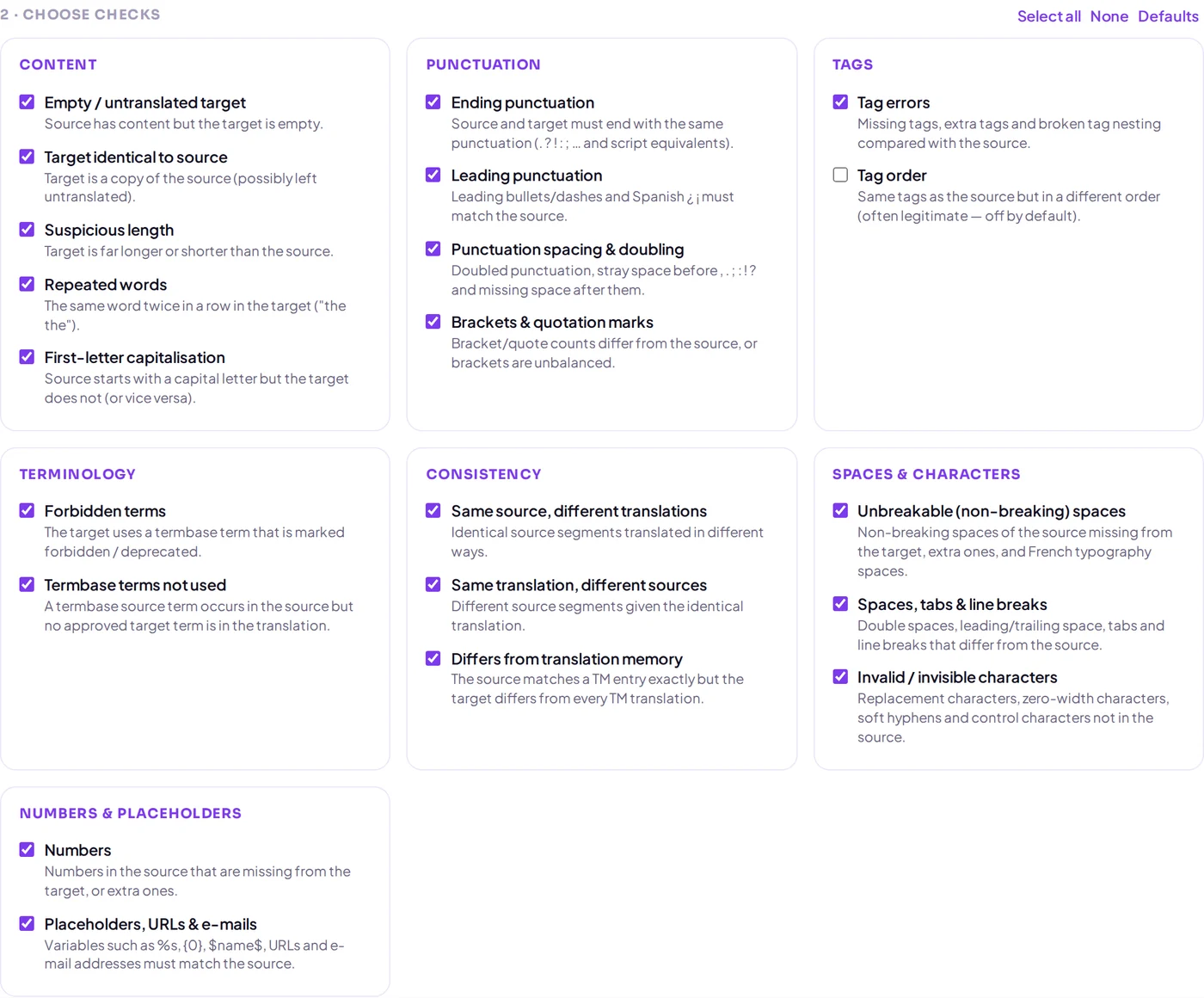
- Choose the checks that match the client’s requirements.
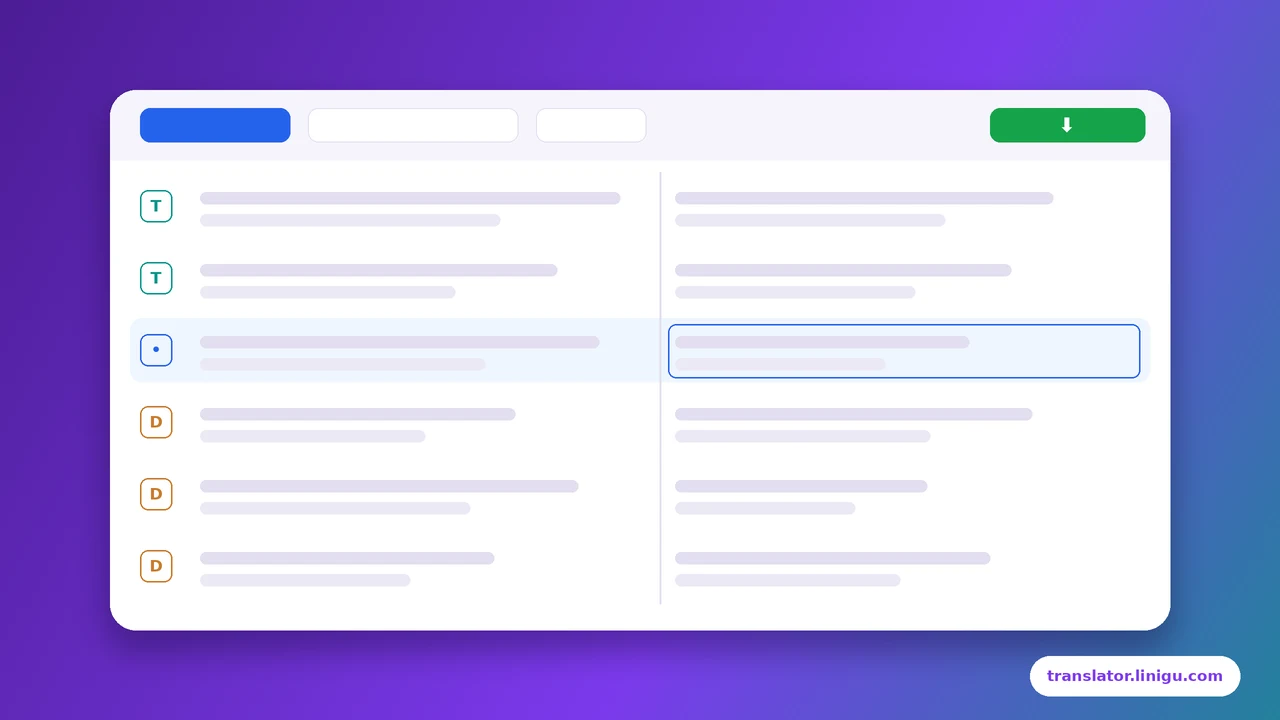
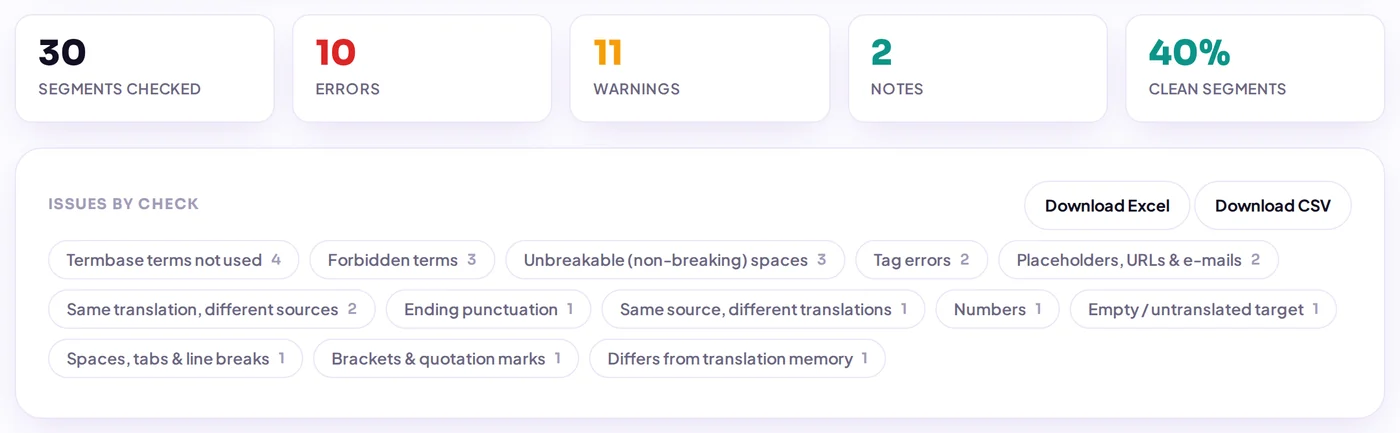
The report groups issues by type and links each one to its segment. You can correct many of them directly in the report, and export the list to Excel for a reviewer. The checks are rule-based: nothing is sent to an AI.
More detail on individual checks: 10 translation errors a QA check catches, and how this compares with desktop tools in QA Checker vs Xbench and Verifika.
Want a second linguist to review your translation? For checks 13 to 15 by a professional, write to info@linigu.com.
Frequently asked questions
Does an automatic QA check replace a reviewer?
No. It finds mechanical errors quickly and reliably, but it cannot judge meaning, tone or whether a sentence fits the context. Use both: the tool first, then a person.
What is the difference between QA, proofreading and review?
QA usually means systematic checks such as the twelve automatic ones above. Review means a second linguist compares the translation with the source. Proofreading means reading the target text on its own for errors and readability.
Which files can be checked?
Trados SDLXLIFF files and return packages, bilingual Word files, two separate Word files, and translated PDFs against the original, including scanned PDFs.
Is the QA Checker free?
Yes. The checks are rule-based and run without AI, so there is nothing to pay per word.